Updating a Subscriber
- Click to expand “Audience” in the left sidebar
- Click Lists to show all Lists
- Select the “All Subscribers” button
- In the 'Email' column, enter the part of the address you wish to edit
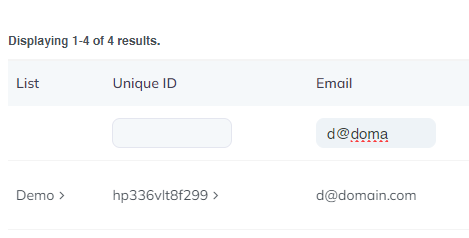
- Click on the Unique ID
- Make the required changes
- Click “Save Changes”